Select an Object in a 2D Scene
To select an object in the 2D scene:
Get in Interaction mode  .
.
Click an object. The object is selected.
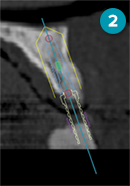
The manipulation handles (circles and rectangles) are colored instead of gray.
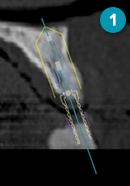
- An object in 2D which is not selected
- The same object is selected.