Select an Object
Selecting an object is a prerequisite to perform many different actions.
Get in interaction mode  .
.
Click the object.
A colored contour line indicates the selected object.
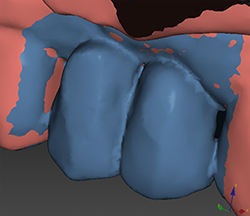
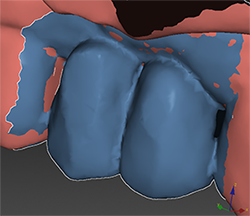
In the left image no objects are selected. The image at the right shows a selected wax-up with a white contour.
Note
The patient model is the exception in this case. No contour line is shown when the patient model is selected.